It’s time to say goodbye.
No, not me, silly. It’s time to say farewell to a lump of ABS and printed circuit boards that’s been a loyal servant in my home office for almost 30 years.
First, let me take a wander down Memory Lane.
By various means, in 1989 I found myself working in the art studio of a medium-sized litho printer. I was hired because I was familiar with paste-up, could do some drawing work, and knew my way around a keyboard. In exchange, I would be trained to use what was then still a new technology: desktop publishing, DTP.
The studio was still wedded to the older technology of the industry. Paste-up is exactly as it sounds. Paper, cut out and stuck on to stiff board, arranged on a grid as required to match the designer’s ideas. Artwork was created on drawing boards, Letraset transfers, photo-mechanical transfer (PMT) of drawings onto light-sensitive paper, using a Linotype phototypesetter and a Linotronic imagesetter that converted the instructions photographically onto paper or film. The “darkroom” would take the artwork, shoot it to massive A2+ sized bits of negative film, then transfer it to aluminium plates for the offset printing process. Photos were shot in the “darkroom” using a special mask to apply a fine dotted screen, and inserted into the negative before the plates were made. Most of our work was one or two colours. Anything that involved four-colour process was a proper black art and needed some careful marking up of overlays on the artwork itself.
Meanwhile, one or two beige Apple Macintosh SE/30 computers, with their tiny black and white screens, had begun to appear. Generally, artwork was just making blocks of text, or boxes with fancy frames, or the occasional simple illustration such as a map or diagram. The stuff would be run out on an Apple LaserWriter II, mainly for proofing, and then to the Linotronic and the results pasted up on the artwork.
I became familiar with running the Macs, with all their quirks and odd behaviour, and started to learn my way round Aldus PageMaker and FreeHand, Adobe Illustrator, and QuarkXPress. The latter was our staple, and the studio was also an authorised DTP bureau. All that meant was we’d take a customer’s files and output them to bromide, or occasionally to positive film, and they’d go off with the results to create their own paste-up or whatever.
(Yes, Apple used to make printers – well, they had others build them with Apple badges on. When released in 1985, the Apple LaserWriter was almost $7,000! That’s nearly twice what the little Mac cost at the time.)
It got to the point that entire A4 pages were being set, laid out complete in XPress save for images, and the results being pasted up on board. I asked the serious question why we weren’t simply outputting everything to film to hand off to the darkroom.
At the turn of the millennium, every artist was sitting at a top-of-the-range PowerMac G4, and a huge CRT colour monitor, with all the latest software. Images were imported from a high-end scanner, retouched in Adobe Photoshop, and placed in the layout as required. They were working on design and layout from concept to full colour film separations, and the idea of printing direct to plates was just beginning. Paste-up was dead.
Why am I telling you all this? Well, while I had been working in the studio, I had been acquiring my own hardware and software so I could do the same stuff at home. I had an idea I wanted to go off and do the same job for myself.
By the time I left the printers in 2001 I was already on to my third Macintosh. I’d dabbled with an inkjet printer, with variable results. I felt I really needed a laser printer to be taken seriously. I did the research, counted my pennies, and decided to buy an A4 printer from Hewlett-Packard, the LaserJet 2100M. It was 1996.
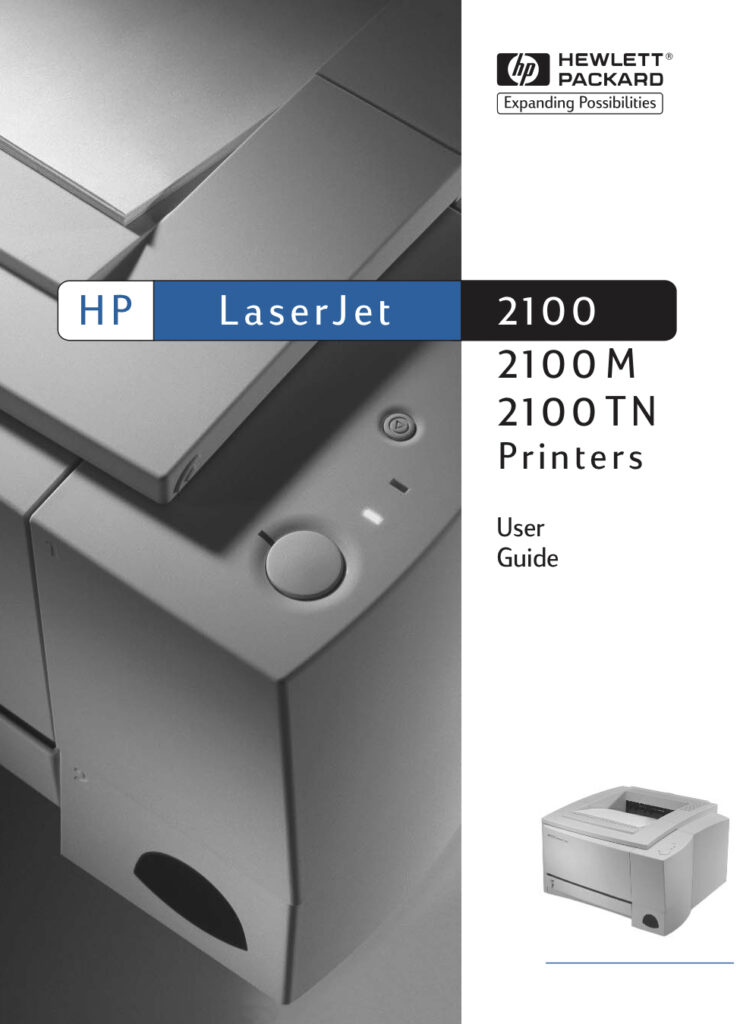
I mentioned earlier that Apple’s branded printers were essentially rebadged models from the big names. The contemporary Apple laser printer was essentially a rebadged Hewlett-Packard. Aside from a slightly better PostScript RIP (PostScript was a programming language that allowed DTP software to reproduce on paper what the designer had created on screen) and some Apple-centric connectivity, it was just a rebadged 2100. The M, by the way, simply stood for “Macintosh”: the printer was fitted with a network board that allowed it to connect to the proprietary AppleTalk networking still popular at the time. Ethernet was also available, but at a much inflated cost. I was on a budget, remember.
At this distance in time, I can’t recall the exact price I paid, but it was somewhere around £700. A tenth of the 1980s price, but still a lot of cash for a printer. Still, it arrived, was installed, and began earning its keep in my little studio setup.
Macs came, and went. Operating systems came, and kept coming. Software changed. Other printers were acquired, used, broken and discarded. The 2100M just carried on. It was always there. It just worked.
The networking became a chore. Keeping an old Mac to act as a bridge between the Ethernet network and the AppleTalk 2100M was fine, until the software became too old and no longer co-operated. Was it time to dump Old Faithful?
Not a chance. A secondhand HP LAN module, installed in the 2100, and it was back on the air and working just fine, thank you. The same thing happened with operating system updates, time and again. Each time I’d upgrade the computer, and expect the poor old HP to no longer be supported – and yet, there it was, popping up in the printer list.
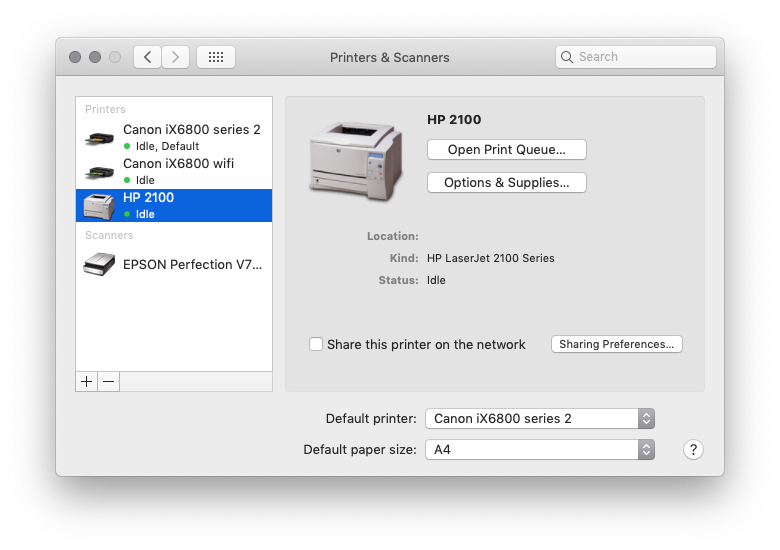
It’s still in my printer list, but I’m ashamed to say the 2100 has been unplugged and neglected for a couple of years. There are reasons. As I don’t do a lot of design work these days, I don’t print a lot of things. When I do, it’s just quicker to dump it to the colour inkjet beside me. The 2100’s hardware is really showing its quarter century of life. The outer casing is still clean and fresh, but the rubber feed rollers that take the paper from the tray and run it past the imaging unit have gone hard. They simply don’t grip the paper any more. A print usually ends with paper jams, cursing and having to feed paper in one sheet at a time using the front bypass tray. Just for fun, I had a quick look on the web: sure enough, “new old stock” HP 2100 parts are available from numerous sellers on eBay. Hmm, good prices, too.
I am sure the machine is still willing, even without new parts that could potentially give it another couple of decades of life. I’m about to upgrade my 10-year-old desktop Mac and I am sure the 2100M, if I turned it on, would still appear in the network printer list of the new Mac. It is, sadly, time to say goodbye. I think you’ll agree, though, it was £700 well spent.
Despite having outlived almost every Mac and PC I’ve ever owned, sadly, after nearly three decades of loyal service, it is time to bid farewell to the HP. You have served me well, and you will be missed, but all good things must come to an end. Sleep well, old friend.
Great tools – especially as time passed and the consumables and spare parts became widely and cheaply available from those who already replaced theirs with a newer model. I kept my previous one for many years, then upgraded for proper networking (and colour, and duplex) which has also been hanging in there, though I’ve had it over a decade, and it was second hand/refurb already – because you can’t argue with the reliability, but you can argue with the price.
Sad that HPs shenanigans now make it a poor choice for people wanting to keep and use them for a long time, with most people that I talk to recommending Brother instead if you want to stick with laser.